


 Call us:
Power Automate Course Free vs Paid Training: What Should You Choose?
Power Automate Course Free vs Paid Training: What Should You Choose?
Are you looking for a Power Automate course free of cost, or are you wondering whether investing in paid training is worth it? With businesses increasingly adopting workflow automation to improve productivity, learning Microsoft Power Automate can be a valuable step toward developing practical digital skills.
Power Automate helps users automate repetitive tasks, connect applications, manage approvals, and streamline business processes with minimal manual effort. Whether you are a student, working professional, business analyst, or aspiring automation specialist, you can begin learning the fundamentals through free resources before deciding whether structured training is right for you.
However, free tutorials and paid courses can differ in their learning structure, practical exercises, instructor support, and certification preparation.
In this guide, we compare free Power Automate learning resources with paid training, explain what to know about certificates, and help you choose the right learning path for your goals.
What Is Microsoft Power Automate?
Microsoft Power Automate is a workflow automation platform that helps individuals and organizations automate repetitive activities across compatible applications and services.
For example, you can use Power Automate to:
- Automatically save email attachments to cloud storage.
- Send notifications when a new form response is submitted.
- Create approval workflows for business requests.
- Synchronize information between connected applications.
- Automate repetitive tasks on a computer using desktop flows.
- Reduce manual data entry and improve process consistency.
Power Automate supports cloud-based workflows and desktop automation. Understanding both can help you identify automation opportunities in different business environments.
If you want a structured introduction to these concepts, explore the Power Automate Course at Eduzek.
What Can You Learn Through a Power Automate Course Free of Cost?
A Power Automate course free of cost can be an excellent starting point if you want to understand workflow automation without making an immediate financial commitment.
Free learning resources are particularly useful for beginners who want to explore the platform, learn its terminology, and build their first automated workflows.
1. Power Automate Fundamentals
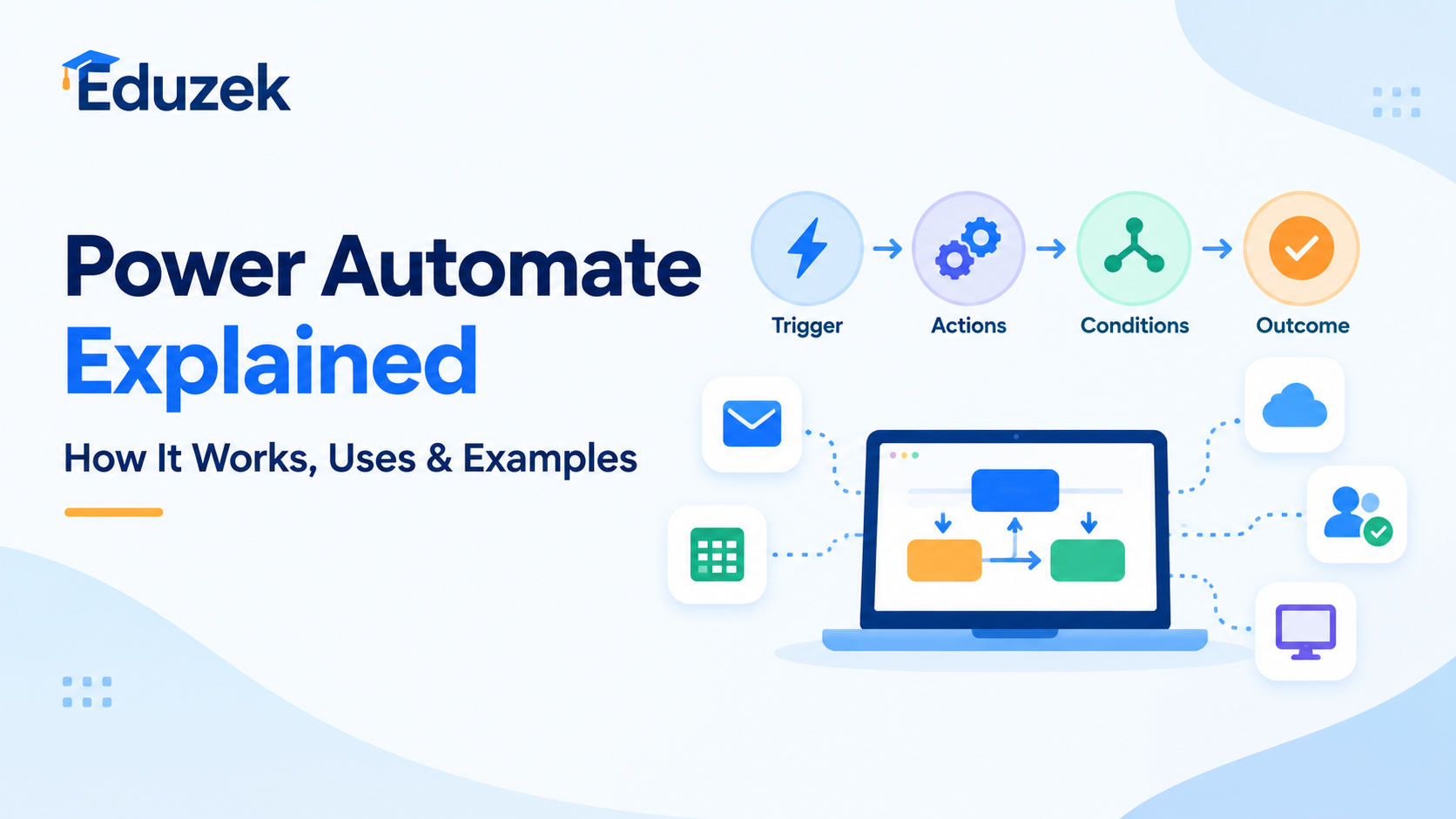
Start by understanding triggers, actions, connectors, and the basic structure of an automated flow. These concepts help you understand how workflows start, perform tasks, and respond to different conditions.
2. Creating Automated Workflows
Learn how to create simple flows that perform repetitive activities automatically. Examples include sending email notifications, recording form submissions, and organizing information.
3. Working With Microsoft Applications
Explore how Power Automate can connect compatible services such as Outlook, SharePoint, Teams, and other supported applications.
The integrations available to you may depend on your account, licensing, and connector requirements.
4. Understanding Conditions and Approvals
As you progress, learn how conditions, branching logic, and approval actions help you build workflows that respond differently depending on the information received.
5. Introduction to Desktop Automation
Power Automate for desktop introduces robotic process automation concepts. You can learn how desktop flows interact with applications and automate certain repetitive computer-based tasks.
For official beginner-friendly learning modules, visit Microsoft Learn's Power Automate training resources.
Free resources can provide a solid foundation. However, you may need additional practice and structured guidance to become confident in designing, testing, troubleshooting, and maintaining more complex workflows.
Power Automate Training Free vs Paid Training: Key Differences
Before choosing a learning option, consider what you want to achieve. Are you simply exploring automation, or do you want to develop practical skills for your current job or future career?
Here is a comparison of common free and paid training options.
| FeatureFree Power Automate TrainingPaid Power Automate Training | ||
| Learning cost | Usually free for the learning material | Requires a course fee |
| Learning pace | Generally self-paced | Self-paced or instructor-led, depending on the course |
| Learning structure | May require you to organize resources yourself | Often follows a defined curriculum |
| Hands-on practice | Depends on the resource | Depends on the course and included projects |
| Instructor support | Not always available | May be included |
| Learning feedback | Often limited | May include assignments or guided feedback |
| Completion certificate | Depends on the provider | Depends on the provider |
| Official Microsoft certification | Not automatically included | Not automatically included |
| Career preparation | Useful for building foundational knowledge | Can provide a more structured learning path |
Important: Paid training does not automatically guarantee a certificate, an official Microsoft credential, employment, or mastery of the platform. Check the course syllabus and certification terms before enrolling.
Is Power Automate Training Free Available Online?
Yes. You can begin learning Power Automate through free online resources.
Microsoft Learn offers self-paced training modules covering Power Automate fundamentals, cloud flows, desktop automation, and related Power Platform concepts.
These resources are helpful if you prefer independent learning and want to explore the platform before paying for a course.
Other ways to start learning include:
- Watching beginner tutorials and demonstrations.
- Following step-by-step workflow guides.
- Practising with simple automation scenarios.
- Reviewing official documentation when you encounter a problem.
- Building small projects based on tasks you perform regularly.
For example, you could practise creating a flow that sends an email notification when a form is submitted or saves information from a supported trigger into a connected service.
Remember that access to particular features, connectors, and environments may depend on your Microsoft account and licensing. Free learning material does not necessarily mean every Power Automate feature or practice environment is free.
Can You Find a Power Automate Course Free With Certificate?
A Power Automate course free with certificate is an option many learners look for when they want to develop practical skills and demonstrate their learning.
However, it is important to understand that a course completion certificate, a learning achievement, and an official Microsoft certification are different things.
Course Completion Certificates
Some training providers offer certificates after you complete their course or meet their assessment requirements. Whether the course is free and whether the certificate is included depend on the provider's terms.
Before enrolling, check whether the certificate is free, whether you must complete an assessment, and whether there are any additional charges.
Microsoft Learn Achievements
Microsoft Learn provides learning modules and learning paths that help you develop Power Automate skills. Some completed modules provide achievements or progress indicators.
These achievements should not automatically be treated as equivalent to an official Microsoft certification.
Official Microsoft Certifications
An official Microsoft certification follows Microsoft's credential requirements and assessment process. Completing a free training module alone does not mean you have earned a Microsoft certification.
If certification is your goal, review Microsoft's current credential catalogue, eligibility requirements, and assessment details before choosing a preparation course.
The best approach is to combine learning with practical experience. Being able to build and explain a working automation can be valuable when demonstrating your skills to an employer.
When Should You Choose Free Power Automate Training?
Free training may be the right choice if you are just getting started or want to explore automation before making a financial commitment.
Consider starting with free resources if:
- You are a student exploring technology skills.
- You want to understand Power Automate before choosing a course.
- You prefer learning at your own pace.
- You only need to automate a few straightforward tasks.
- You are comfortable researching solutions independently.
- You want to practise the basics before moving to advanced topics.
For many beginners, free learning resources are sufficient to understand the fundamentals and create simple workflows.
The key is to practise what you learn rather than simply watching tutorials or collecting learning materials.
When Is Paid Power Automate Training Worth It?
Paid training may be a better fit when you want a more structured learning experience and a clear progression from basic concepts to practical applications.
Consider a paid course if:
1. You Want a Structured Learning Path
A well-designed course can organize topics in a logical sequence, helping you progress from fundamentals to more advanced concepts without repeatedly searching for the next lesson.
2. You Need More Practical Experience
Practical exercises can help you learn how to configure triggers, choose actions, apply conditions, handle errors, and test workflows.
Look for training that explains real-world use cases instead of focusing entirely on theory.
3. You Want to Apply Automation at Work
If your goal is to automate business processes, structured training may help you understand how to plan a workflow, select the right approach, test the result, and maintain it over time.
4. You Prefer Guided Learning
Some learners benefit from instructor explanations, organized assignments, or access to support when they encounter difficult concepts. Check which of these features a course actually includes.
5. You Want to Build Job-Relevant Skills
Power Automate can complement roles involving business process improvement, operations, business analysis, Microsoft 365 administration, and automation.
A course can support your learning, but career outcomes depend on your practical abilities, experience, other relevant skills, and the requirements of individual employers.
If you prefer a guided learning path, explore the Power Automate Course Online at Eduzek.
Power Automate Cloud Flows vs Power Automate Desktop
Another important consideration when choosing training is whether you want to focus on cloud workflows, desktop automation, or both.
Power Automate Cloud Flows
Cloud flows automate processes between supported online applications and services. They can be used for notifications, approvals, scheduled tasks, and data synchronization.
For example, a cloud flow could notify a team when a new item is added to a SharePoint list, subject to the required permissions and connector access.
Power Automate Desktop
Power Automate for desktop focuses on automating repetitive tasks performed on a computer. Depending on the application and configuration, desktop flows can interact with user interfaces, files, and other desktop resources.
This can be useful for certain repetitive activities that involve desktop applications or legacy systems.
If desktop automation is your primary learning objective, explore the Power Automate Desktop Course at Eduzek.
Choosing training that matches your intended use case will help you spend more time developing relevant skills.
How to Choose the Right Power Automate Course
Before enrolling in any course, evaluate these five factors.
1. Review the Course Curriculum
Check whether the syllabus covers the topics you need, such as flow creation, triggers, actions, connectors, conditions, approvals, troubleshooting, and desktop automation.
2. Check the Practical Exercises
Look for opportunities to build and test workflows. Practical experience can help you understand how individual components work together.
3. Understand the Certificate Policy
If a certificate matters to you, verify whether it is included, whether additional fees apply, and what requirements you must meet to receive it.
4. Compare Support and Learning Format
Decide whether you prefer independent study, recorded lessons, instructor-led sessions, or a combination of these formats.
5. Match the Course to Your Goals
Choose a beginner course if you are new to automation. If you already understand the basics, look for content that addresses more complex workflows or desktop automation.
The right course is not necessarily the most expensive or the one that promises the most benefits. It is the one that matches your goals and helps you build skills you can apply.
A Simple Learning Roadmap for Beginners
If you are unsure where to start, follow this practical learning sequence.
Step 1: Understand the basics. Learn what Power Automate does and how triggers, actions, and connectors work.
Step 2: Create your first flow. Start with a simple task, such as sending an automated notification or organizing information from a supported source.
Step 3: Add conditions. Learn how to make workflows behave differently depending on the data or situation.
Step 4: Practise with a real use case. Choose a repetitive task from your studies or work and create an automation that addresses it.
Step 5: Learn to test and troubleshoot. Review flow runs, identify errors, and understand how to correct common configuration problems.
Step 6: Explore desktop automation. If relevant to your goals, learn how Power Automate for desktop can automate selected computer-based tasks.
Step 7: Decide whether structured training is necessary. If you need a clearer learning path or more guided practice, compare courses based on their syllabus, exercises, and support.
This approach helps you move from understanding the concepts to applying them in realistic scenarios.
Frequently Asked Questions About Power Automate Courses
1. Is there a Power Automate course free for beginners?
Yes, beginners can learn Microsoft Power Automate through free online learning resources, including Microsoft Learn. These resources introduce workflow automation, triggers, actions, connectors, and cloud flows, helping learners understand the basics before exploring advanced concepts.
2. Where can I find Power Automate training free online?
You can find free Power Automate training on Microsoft Learn, which offers self-paced modules and practical learning content. You can also explore tutorials and documentation to practise building workflows and automating repetitive tasks.
3. Can I find a Power Automate course free with certificate?
Some learning providers offer free Power Automate courses with completion certificates, while others charge for certificates or assessments. Check the provider's current terms before enrolling. A course completion certificate is different from an official Microsoft certification.
4. Is Microsoft Power Automate free to learn?
Yes, you can learn Power Automate using free educational resources, including Microsoft Learn. However, access to specific Power Automate features, connectors, environments, and automation capabilities may require an eligible account or paid licence.
5. Is free Power Automate training enough to get started?
Free training can be enough to understand the fundamentals and build simple workflows. If you want to develop more advanced automation skills, you may benefit from structured lessons, hands-on projects, and additional practice.
6. What is the difference between free and paid Power Automate training?
Free training typically provides access to learning materials without a course fee. Paid training may offer a structured curriculum, practical assignments, instructor support, or guided projects, depending on the provider. Compare the syllabus and included features before choosing.
7. Can I learn Microsoft Power Automate without coding?
Yes, Power Automate offers low-code and no-code tools that let users create many workflows through visual interfaces. Some advanced scenarios may require expressions, scripting, or other technical skills, depending on the automation requirements.
8. How long does it take to learn Power Automate?
You may learn the basic concepts and create simple flows within a few days or weeks, depending on your experience and practice time. Developing confidence with complex workflows, troubleshooting, approvals, and desktop automation typically requires more hands-on experience.
9. Is Power Automate easy to learn for beginners?
Power Automate can be approachable for beginners because many workflows are created using visual designers and predefined actions. Understanding triggers, conditions, connectors, and troubleshooting will help you build more useful and reliable automations.
10. What topics should a good Power Automate course cover?
A comprehensive course should cover triggers, actions, connectors, cloud flows, conditions, approvals, testing, error handling, and practical use cases. If you are interested in desktop automation, look for training that also covers Power Automate for desktop.
11. What is the difference between Power Automate cloud flows and desktop flows?
Cloud flows automate processes across supported online applications and services. Desktop flows automate certain repetitive tasks on a computer by interacting with applications and other desktop resources. Your learning path should depend on the type of tasks you want to automate.
12. Can I learn Power Automate online at my own pace?
Yes, many free resources and online courses offer self-paced learning. This allows you to study according to your schedule, revisit difficult topics, and practise creating workflows as you progress.
13. Does a Power Automate course certificate help with career development?
A course completion certificate can demonstrate that you completed a particular learning programme. However, employers may also consider practical experience, problem-solving ability, relevant technical knowledge, and the ability to build working automations. A course certificate is not automatically an official Microsoft certification.
14. What is the best Power Automate course for working professionals?
The best course depends on your experience, career goals, schedule, and preferred learning format. Working professionals should look for training that includes practical business scenarios, workflow design, troubleshooting, and applications relevant to their roles.
15. Can students learn Power Automate for free?
Yes, students can start with free online learning resources and practise building simple workflows. Learning automation can help students understand productivity tools, process improvement, and practical applications of Microsoft Power Platform technologies.
16. What practical projects can I build while learning Power Automate?
Beginners can practise sending automated email notifications, creating approval workflows, organizing form responses, and saving information to supported services. More advanced projects may include multi-step business processes and desktop task automation, depending on available connectors and licensing.
17. Do I need Microsoft 365 to learn Power Automate?
You can study Power Automate concepts using online learning resources without necessarily having a Microsoft 365 subscription. However, practising particular workflows may require a suitable Microsoft account, access to specific services, or an appropriate licence.
18. Is Power Automate useful for business analysts and office professionals?
Yes, Power Automate can help business analysts and office professionals streamline repetitive processes, automate notifications, coordinate approvals, and reduce manual work. Practical knowledge of workflow design can complement skills in business analysis, operations, and process improvement.
19. How do I choose between a Power Automate course online and a desktop course?
Choose a general Power Automate course online if you want to understand workflow automation across supported cloud applications. Choose a Power Automate Desktop course if your primary interest is automating repetitive computer-based tasks. Review the curriculum to ensure it matches your objectives.
20. Where can I enrol in a Power Automate course to develop practical skills?
You can explore the Power Automate Course at Eduzek to review the available learning option. You can also visit the Power Automate Course Online or the Power Automate Desktop Course, depending on your learning goals. Review the course details before enrolling to ensure the content meets your needs.
Final Verdict: Free vs Paid Power Automate Training
Both free and paid training can help you learn Microsoft Power Automate. Free resources are a practical starting point if you want to explore automation, learn the fundamentals, and experiment with simple workflows.
Paid training may be worth considering when you want a structured curriculum, more practical exercises, or guided learning that matches your professional goals.
If you are looking for a more organized way to develop your skills, explore the Power Automate Course at Eduzek and review the curriculum to see whether it fits your learning needs.
You can also explore the Power Automate Course Online or the Power Automate Desktop Course, depending on the type of automation you want to learn.
Start learning Power Automate today and take the next step toward building practical workflow automation skills.
Tags :
- Power Automate Course Free
- Power Automate Training Free
- Power Automate Course Free with Certificate
- Microsoft Power Automate
- Power Automate Tutorial
- Power Automate Online Course
- Power Automate for Beginners
- Power Automate Certification
- Power Automate Training
- Power Automate Desktop Course
- Microsoft Power Platform
- Workflow Automation
- Robotic Process Automation
- RPA Training
- Business Process Automation
- Automation Skills
- Free Online Courses
- Power Automate Career
- Low-Code Automation
- Eduzek
Related Course
Microsoft PowerApps & Power Automate
₹20000 ₹16000
Related Articles
October 23, 2026
October 17, 2026
Best LangChain Courses in 2026 (Free & Paid) | Eduzek
October 15, 2026