
 Hyderabad, India
 mailto:training@eduzek.com
 Call us: +91-7207950202
Learn to automate repetitive desktop tasks with Eduzek's Power Automate Desktop course. This practical training introduces Microsoft Power Automate Desktop, desktop flows, robotic process automation (RPA), UI automation, browser automation, Excel automation, file and folder operations, variables, conditions, loops, and error handling. Build hands-on automation workflows, understand how desktop flows work with cloud flows, and explore AI Builder integration. Designed for beginners and working professionals, this Power Automate Desktop full course helps you develop practical skills for automating everyday business processes with less manual effort
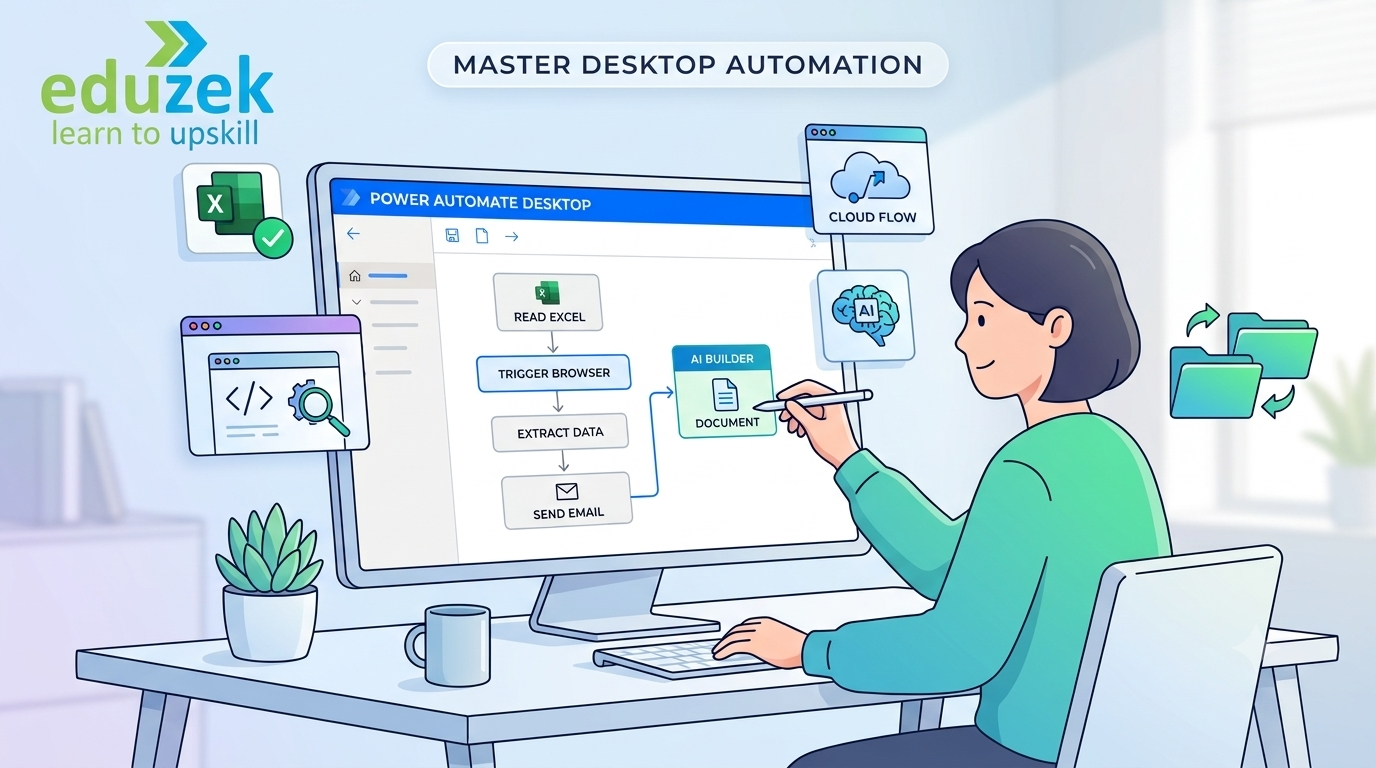
Microsoft Power Automate Desktop enables users to automate repetitive tasks performed across Windows applications, browsers, spreadsheets, and file systems. By recording or designing desktop flows, learners can create workflows that interact with user interfaces, process information, and execute routine business operations with greater consistency. Eduzek's Power Automate Desktop course introduces the essential concepts of robotic process automation (RPA) through structured lessons and practical exercises. Learn how to create desktop flows, work with variables and data types, implement conditions and loops, interact with UI elements and selectors, automate Excel and Outlook tasks, and manage errors during flow execution.\n\nThe training also explores browser automation, web data extraction, database and API automation basics, scripting concepts, AI Builder, and integration between Power Automate Desktop and Power Automate Cloud. Whether you are starting your automation journey or expanding your Microsoft Power Platform skills, this Power Automate Desktop training helps you understand how to translate repetitive manual activities into structured automated workflows.
Individuals who want to learn desktop automation and RPA from the fundamentals. Start with the Power Automate Desktop interface and simple flows before progressing to variables, conditions, loops, and practical automation tasks.
Professionals in finance, HR, operations, administration, and other business functions who want to reduce repetitive manual work by automating spreadsheets, files, emails, and routine application tasks.
Business analysts who want to identify repetitive processes, document automation requirements, and build desktop workflows that improve process consistency and operational efficiency.
Excel, Outlook, and Microsoft 365 users who want to automate data entry, spreadsheet processing, email operations, file handling, and other recurring desktop activities.
IT professionals and developers who want to build practical RPA skills, automate legacy desktop applications, work with UI elements, and explore error handling, scripting, and cloud-flow integration.
Learners who want to develop desktop automation skills for automation-focused projects and complement their knowledge of Microsoft Power Automate, cloud workflows, and business process automation.
This Power Automate Desktop full course follows a practical learning path from basic desktop flow creation to advanced automation techniques. Explore UI automation, browser automation, Excel and email processing, variables, loops, conditional logic, debugging, error handling, scripting concepts, AI Builder, and cloud-flow integration through guided exercises.
Build a desktop flow that reads spreadsheet data, processes records, applies conditions, and updates an Excel workbook to reduce repetitive manual data handling.
Create a workflow to locate files, organize folders, rename documents, and perform routine file operations using predefined rules.
Develop a desktop flow that interacts with browser UI elements to automate repetitive form entry and routine web application tasks.
Explore browser automation and data extraction techniques to collect information from supported web pages and organize the output for further processing.
Automate selected email operations, organize information from messages, and connect email-related tasks with desktop workflows.
Build a workflow that detects common execution problems, applies error-handling logic, and supports more reliable automation.
Explore how desktop flows can work with Power Automate Cloud to support end-to-end business automation scenarios.
| Course Name | Power Automate Desktop Training |
|---|---|
| Training Level | Beginner to Intermediate |
| Course Duration | 25 Hours |
| Training Format | Live Instructor-Led Training |
| Learning Mode | Online Public Batches; Offline Training for One-to-One and Corporate Formats on Request |
| Training Approach | Hands-On Learning, Guided Exercises, and Real-World Automation Scenarios |
| Core Topics | Desktop Flows, UI Automation, Browser Automation, Excel Automation, Variables, Conditions, Loops, Error Handling, and Cloud Integration |
| Practical Exercises | Real-World Desktop Automation Exercises |
| Certification | Eduzek Course Completion Certificate |
| Trainer Support | Industry-Expert Trainers |
| Course Fee | Available Upon Enquiry; Pricing Depends on the Selected Training Format |
| Prerequisites | No Deep Programming Knowledge Required; Basic Computer and Business Application Familiarity Is Helpful |
Learn Power Automate Desktop step by step, starting with the interface and simple desktop flows before progressing to variables, loops, conditional logic, and advanced automation concepts.
Apply concepts through practical exercises involving Excel, email, files, folders, browsers, and desktop applications to understand how RPA can solve everyday business problems.
Learn with guidance from experienced trainers who explain automation concepts, demonstrate workflows, and help learners understand practical implementation challenges.
Explore realistic use cases such as spreadsheet processing, repetitive data entry, browser workflows, file management, and exception handling.
Choose online public batches or enquire about one-to-one and corporate training formats based on your learning goals, team requirements, and schedule.
Understand how desktop flows complement cloud-based automation and how both can support broader business process automation solutions.
Develop practical RPA and workflow automation knowledge that can complement your existing Excel, Microsoft 365, business analysis, IT, or Power Platform skills.
Receive an Eduzek course completion certificate after completing the course requirements.
Learning through a comprehensive Power Automate Desktop course empowers you to build practical Robotic Process Automation (RPA) skills tailored for modern workplace digital transformation. Today’s enterprise environments rely heavily on repetitive, high-volume tasks—ranging from legacy application data entry and spreadsheet processing to email management and complex browser interactions. By mastering desktop automation, professionals eliminate human error, accelerate operational turnaround times, and significantly lower administrative overhead across cross-functional departments.
Completing structured desktop automation training opens pathways to diverse career roles across multiple industries, including finance, healthcare, supply chain, IT service management, and customer operations. Having practical proficiency in desktop flows supports your preparation for core responsibilities in positions such as:
A full-featured curriculum ensures you understand essential concept areas such as UI elements and selectors, desktop UI interaction, browser automation, dynamic variables, condition loops, error handling, debugging techniques, and cloud flow integration. Working through practical projects allows you to build a portfolio demonstrating how you streamline data extraction, automate Excel reporting, manage file storage systems, and recover gracefully from runtime exceptions.
To maximize your career growth and build holistic automation capabilities, it is highly recommended to combine desktop RPA expertise with cloud-based workflow orchestration. You can explore Eduzek's Power Automate course online to understand cloud triggers, API connectors, automated approvals, and enterprise integration patterns. For a comprehensive overview of fundamental and advanced workflow architecture, review the broader Power Automate course.
If you are structured-learning oriented and want to map out your long-term career progression step-by-step, follow the Power Automate beginner-to-advanced learning path. This resource guides you from basic desktop recorder techniques through complex API and UI hybrid automation strategies.
For immediate, hands-on skill development, enroll in Eduzek’s Power Automate Desktop training program to review detailed batch schedules, course duration, hands-on labs, and trainer support options. Coupling desktop flow capabilities with problem-solving experience and verified certifications will establish a solid foundation for landing high-impact Microsoft Power Platform and RPA roles.
“I would like to thank Ganesh for his excellent training in PowerApps and Power Automate. Shout out to his patience and knowledge. Ganesh is extremely dedicated, knowledgeable, and professional. He delivered more than what he promised in the demo session and cleared all my doubts. Worth the money!”
“Eduzek is a great platform to learn Power BI, PowerApps, and Power Automate for working professionals. The course tutorial and duration are designed in a perfect way. The teaching staff is very supportive and flexible in terms of class timing.”
“Eduzek helped me in learning Power Automate. I just completed my training and you can reach Ganesh anytime in case of queries and get them resolved, which I liked the best.”
“Excellent training from Ganesh on PowerApps, Power Automate, and SharePoint. I highly recommend Eduzek institute to get trained on these topics.”
“Good training and clearing the doubts with live project examples...”
A Power Automate Desktop course teaches you how to use Microsoft's desktop automation tool to automate repetitive tasks involving desktop applications, browsers, Excel, files, and folders. The training covers desktop flows, variables, conditions, loops, UI automation, debugging, and error handling.
Power Automate Desktop training is suitable for beginners, working professionals, business analysts, Excel users, IT professionals, developers, and aspiring RPA specialists who want to learn desktop automation. Deep programming knowledge is not required to get started.
You will learn desktop flow creation, variables and data types, conditional logic, loops, UI elements and selectors, Excel automation, email automation, file and folder operations, browser automation, web data extraction, debugging, error handling, and introductory cloud-flow and AI Builder integration.
Eduzek's Power Automate Desktop training is listed as a 25-hour course. Contact the Eduzek team for the current batch schedule and details about your preferred training format.
Yes. Beginners can start by learning the interface, creating simple desktop flows, and working with basic automation actions. The course then progresses to variables, loops, conditions, UI automation, and more advanced workflow techniques.
Yes. The curriculum covers Excel automation, including reading, writing, and managing spreadsheet data. These skills can be applied to repetitive reporting, data processing, and other spreadsheet-based business tasks.
Yes. The course covers browser automation, web data extraction, UI elements, and selectors. These techniques help you understand how desktop flows interact with supported web pages and desktop application interfaces.
The course includes real-world automation exercises. Example practice scenarios include Excel data processing, file and folder management, browser-based data entry, email automation, and error-handling workflows.
Yes. These are core automation concepts covered in the training. You will learn how to store and process data, apply conditional logic, repeat actions, and structure desktop flows to handle different scenarios.
Yes. The curriculum includes testing, debugging, exception handling, and error management to help you identify common flow failures and design more reliable automation workflows.
Yes. The course introduces the relationship between desktop flows and Power Automate Cloud flows. This helps learners understand how desktop automation can complement cloud-based business workflows.
Power Automate Desktop focuses on automating tasks through desktop and user-interface interactions, while Power Automate Cloud primarily connects applications and services through cloud-based workflows, triggers, actions, and connectors. Both can complement each other in broader automation solutions.
No deep programming knowledge is required. Basic computer skills and familiarity with everyday applications such as Excel or email can be helpful, but beginners can start with the fundamentals.
Yes. Eduzek lists online public batches. One-to-one and corporate training may also be delivered offline on request. Contact the team to confirm current availability and scheduling.
Eduzek lists a course completion certificate as part of its Power Automate Desktop training. Contact the training team for details about completion requirements.
These skills can complement career paths such as RPA Developer, Power Automate Developer, Automation Specialist, Business Process Automation Analyst, and Power Platform Developer. Specific opportunities depend on your experience, broader technical skills, and employer requirements.
Visit the Power Automate Desktop Training page on Eduzek to review the curriculum and available training formats. Submit an enquiry to confirm batch schedules, fees, and enrolment details.
Join our live instructor-led online training batch and start building real-world automated workflows in weeks. Reserve your spot or request a detailed syllabus today.