


 Call us:



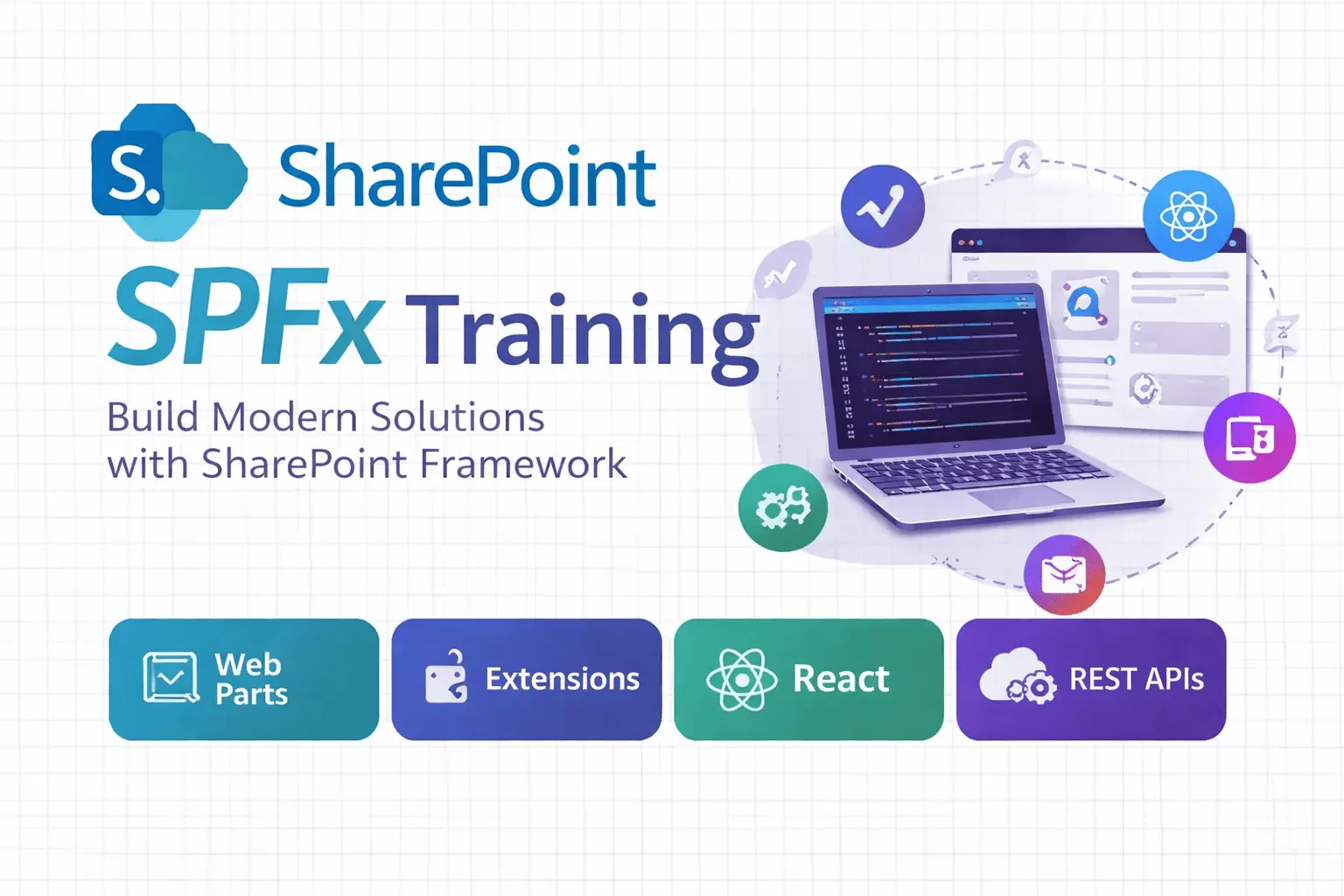
SharePoint SPFx Development Training
Course Description
Learn modern SharePoint Framework (SPFx) development from scratch. Build, customize, and deploy real-world SharePoint solutions using both No JavaScript Framework and ReactJS.
What you'll learn in this course?
Perfect for developers with basic HTML and JavaScript knowledge who want to create and customize SharePoint Online solutions.
-
Understand SPFx architecture and environment setup
-
Create SPFx solutions using No JavaScript and ReactJS frameworks
-
Implement CRUD operations using REST API and PnP JS
-
Develop SPFx extensions, command sets, and libraries
-
Configure CDN and deploy SPFx packages to App Catalog
-
Integrate SharePoint data securely with modern web components
Hands-on SPFx projects and deployment exercises included for real-world practice.
Course Curriculum
End-to-end SPFx developer course covering setup, coding, and deployment.
- Overview of SharePoint Framework (SPFx)
- Setting up Development Environment (Node.js, Yeoman, Gulp)
- SPFx Solution Structure
- Creating Web Parts using No JS Framework
- Performing CRUD Operations on SharePoint Lists
- Working with REST API
- Packaging and Deploying SPFx Web Parts
- Building Web Parts using React Components
- Using State and Props in React
- CRUD Operations using React and PnP JS
- Dynamic UI Development with Data Binding
- Creating and Managing SPFx Libraries
- Developing Application Customizers
- Implementing Command Sets
- Reusing Components across Solutions
- Packaging and Deploying SPFx Solutions
- App Catalog Deployment
- Using CDN for Asset Hosting
- Versioning and Updating Solutions
- Building a Complete SPFx Project
- Connecting with SharePoint Data using REST API
- Implementing CRUD Operations and UI Enhancements
- Deployment and Testing
Frequently Asked Questions
Basic knowledge of HTML, CSS, and JavaScript is required.
Developers and IT professionals interested in modern SharePoint development using SPFx.
This course is Intermediate level. Duration is 30 hours.
This course is available as 1:1 Training, Corporate Batch. Public batches are conducted online; 1:1 and Corporate training can be delivered offline, based on request.
Eduzek Trainer
Industry Practitioner & Skilled MentorEduzek trainers are industry experts and certified professionals. With practical insights and a student-first approach, they guide learners through real-world scenarios and ensure strong conceptual understanding across all skill levels. A course completion certificate is provided.


Choose Your Training Format
Public batches are conducted online. 1:1 and Corporate training can be delivered offline, based on request.
Corporate Batch
Tailored for your team's tools and workflows, flexible scheduling, certification available.
Request Corporate TrainingPrice for Corporate and 1:1 training is different for every requirement -- request a quote and we'll get back to you.
Final pricing depends on scope, duration, skill and trainer availability -- the figure above is an indicative starting point. Request a quote for an exact number.
₹18000₹22000
Course includes:
-
 Level
Expert
Level
Expert
-
 Duration
30 hours
Duration
30 hours
-
 Mode
Online
Mode
Online
-
 Certification
Yes
Certification
Yes